
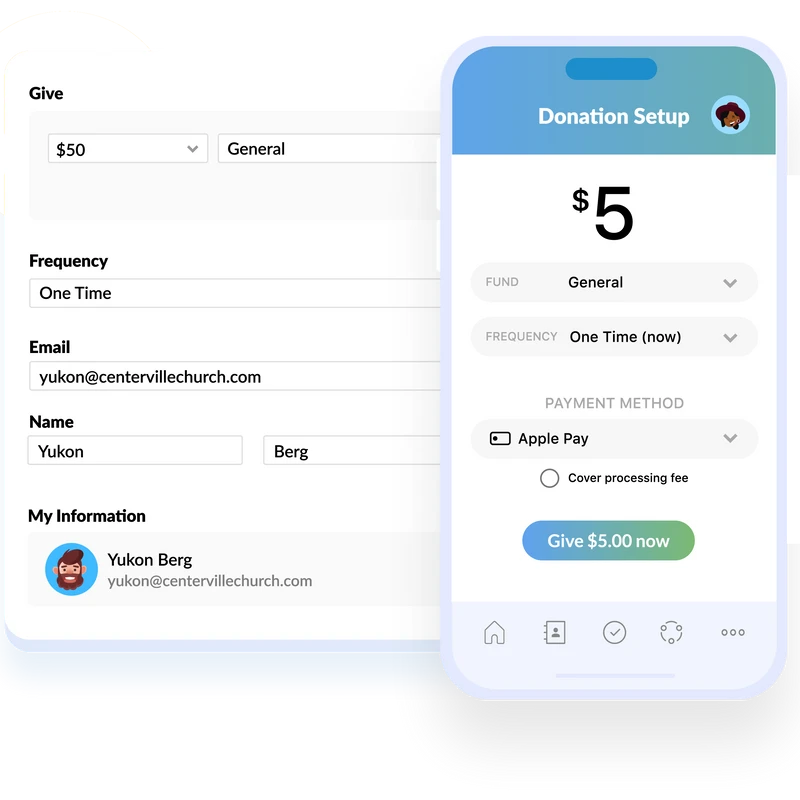
New Giving Platform
We’ve updated our online giving to make it simpler, more secure, and easier to manage all in one place. Giving at Journey now runs through a single, streamlined platform that makes setting up one-time or recurring gifts quick and reliable - whether you give online, through the Church Center app, or by text.
If You Have Recurring Giving Set Up in Our Previous System
Start by setting up your new recurring gift in our new giving system here.
Once your new recurring gift is active, you can then cancel your previous recurring gift in the old system to avoid duplication.
Here’s how to cancel a recurring gift in the old system:
- Go to the Vanco Online Giving page and log in to your account
- From your profile menu, select Transactions
- Click the Scheduled tab to view any future recurring gifts
- Find the recurring gift you’d like to stop and click Cancel
- Confirm the cancellation when prompted
- Repeat these steps if you have more than one scheduled gift.
If you need help at any point, our team would be happy to assist you.
Giving FAQ
The world of the generous grows larger and larger.
Proverbs 11:24
Why We Give?
We give because God first gave to us, and through our generosity, we have the opportunity to share His love, meet needs, and make an eternal impact.

Obedience to God
Giving is an act of worship and obedience, trusting God with what He has given us and following His call to generosity.

Impacting Lives
Your giving fuels ministry locally and globally — supporting missions, outreach, and life-changing programs that bring hope to others.

Growing in Faith
When we give, we grow. Generosity helps us release control, trust God’s provision, and develop a heart that reflects His love and compassion.